


Download the TurkSIM eSIM app
Install your eSIM instantly and track your usage directly in our app. You can download the app from the App Store for iOS or Google Play for Android or by scanning the QR code.
eSIM data plans in 200+ destinations
Available on iOS and Android
Simple install on supported devices
Fast and reliable customer support
Choose your eSIM plan
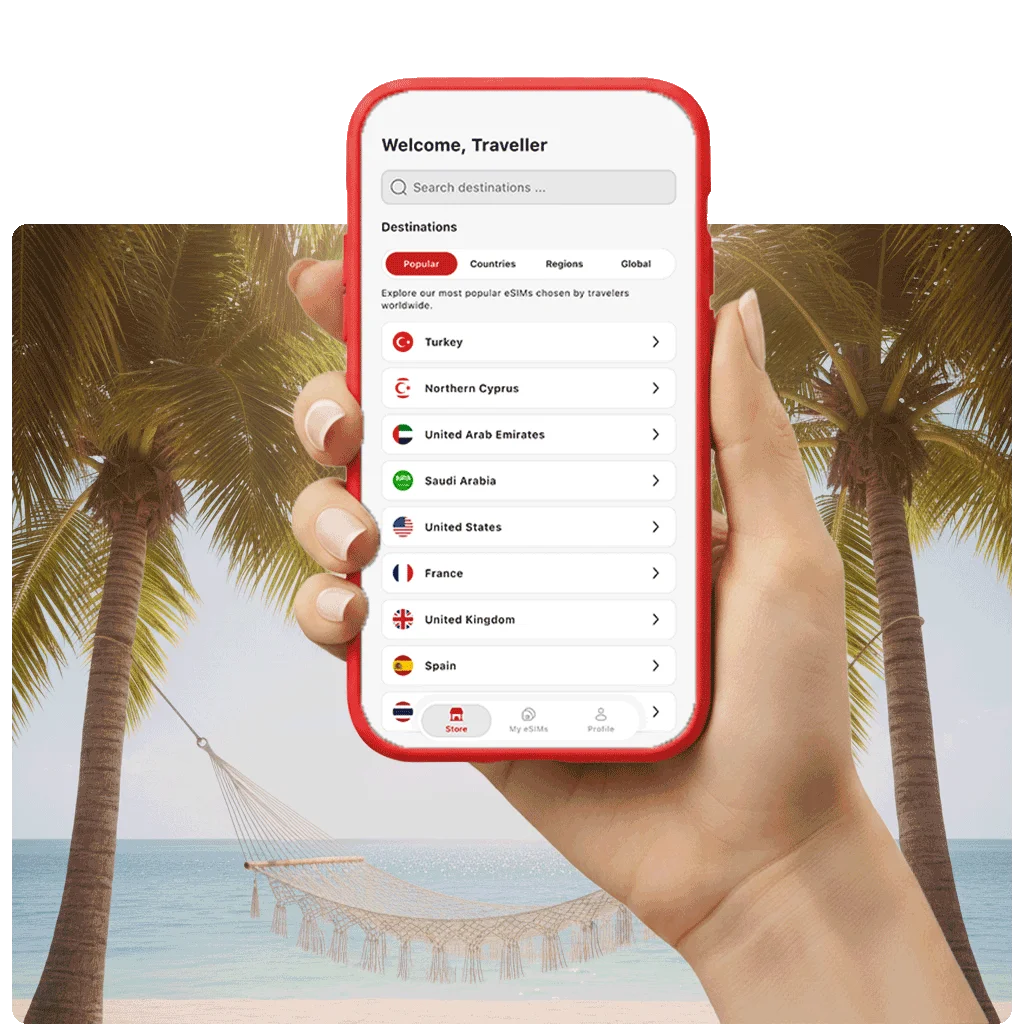
Enjoy flexible data plans in 200+ destinations worldwide with TurkSIM. Choose your destination and pick the plan that matches your needs.
Choose Your Destinations

How to set up the TurkSIM eSIM app

Start using TurkSIM on your iPhone or Android in just a few easy steps:

Set up the TurkSIM eSIM app on your iPhone

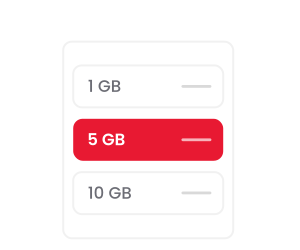
Pick your eSIM data plan
Select the destination you’re traveling to and choose the data plan that suits your needs.
Download TurkSIM and install your eSIM in one tap
Tap "Install eSIM" and follow the simple on-screen instructions to complete setup.
Plan will activate automatically
Your plan is ready and will activate automatically when you arrive.

Set up the TurkSIM eSIM app on your Android

Pick your eSIM data plan
Select a destination and choose a plan.
Download TurkSIM eSIM app
Download the app from the Google Play Store, tap “Install”, and follow the instructions.
Plan will activate automatically
Your plan is ready and will activate automatically when you arrive.
How to activate your TurkSIM eSIM plan
Your connection starts automatically the moment you arrive at your destination. Simply install your TurkSIM eSIM in advance and enjoy seamless data.

What are the benefits of using an eSIM app?

eSIMs give you more flexibility, convenience, and control than traditional SIM cards.
Get started in seconds
Download the app, choose your plan, and get connected in just a few taps.
Avoid roaming fees completely
Use local data plans abroad and never pay expensive roaming charges again.
Never run out of data
Easily top up anytime in the app and stay connected without interruptions.

Reviews with TurkSIM

100% real reviews & ratings from our traveler customers.
trustpilot-star-rating
"The prices are competitive and the flexibility in terms of durations is unbeatable. I will definitely use this option on my future trips."
Yesim K.
Berlin, Germany
trustpilot-star-rating
"The eSIM card enhanced my travel experience by allowing me to keep my own phone number and use WhatsApp anywhere. Installation was easy and I had instant data access upon arrival at my destination."
Nadine H.
Köln, Germany
trustpilot-star-rating
"Excellent service, and when I needed help, it was there."
Paul S.
London, United Kingdom

Frequently asked questions

Most questions can be answered using the list below.

Can I set up an eSIM on my own?

Absolutely. Setting up an eSIM is straightforward. Simply scan the QR code provided after your purchase, or enter the activation details manually. The exact steps may differ slightly depending on your device. If you need guidance, our step-by-step installation guides are here to help.

What is the TurkSIM app, and do I need it?

You can purchase and install a TurkSIM eSIM without the app. However, the app makes it easy to monitor your data usage, top up your plan, and manage your eSIM, all in one place.

Is my phone compatible with eSIM?

Most smartphones released after 2020 support eSIM. However, some devices purchased in certain regions, such as mainland China, may not include eSIM functionality. To verify your device, check our full list of eSIM-compatible devices.

How long does eSIM activation take?

Travel eSIMs from TurkSIM are activated quickly and easily. You can install your eSIM either by scanning a QR code, entering the details manually, or directly within the app using the “Install eSIM” button. With this option, the eSIM is set up instantly via the integrated Quick Install link, without any need for scanning or manual input.

Your data plan typically starts as soon as you connect to a supported network at your destination.

Is the TurkSIM app free to download?

Yes, downloading and installing the TurkSIM app is completely free on both iOS and Android. You only pay when you purchase an eSIM data plan.

How do I get a TurkSIM eSIM?

The easiest way is to download the TurkSIM app or visit turksim.com. Browse available destinations, choose a data plan, and complete your purchase. Your eSIM will be ready to install within seconds.

Which eSIM is best for international travel?

TurkSIM offers affordable eSIM plans covering 200+ countries. You can even add new destinations to an existing eSIM, so there's no need to set up a new profile every time you travel somewhere new.

How do I manually install an eSIM?

Open your device's network or mobile data settings and look for the option to add an eSIM. From there, you can either scan the QR code you received after purchase or enter the activation details manually.