Dell Latitude 5411 eSIM compatible?

Check if your Dell Dell Latitude 5411 eSIM compatible. Ensure a smooth transition to digital SIM cards with our step-by-step guide.
Dell Latitude 5411

Check eSIM Compatibility for Dell Dell Latitude 5411

Quickly check if your Dell Latitude 5411 can use eSIM to enjoy its many benefits.
Dell Dell Latitude 5411 eSIM Compatibility
Seamlessly Compatible: Unlock the Power of eSIM with Your Dell Latitude 5411
Your Dell Latitude 5411 should support eSIM
Let's ensure it's not restricted to any specific carrier or network.
  • Open Windows Settings: Click the Start button and then select "Settings".
  • Navigate to Network & Internet: Within Settings, choose "Network & Internet".
  • Look for Cellular Option: Check if a "Cellular" option exists. If not, your device likely doesn't support eSIM.
  • Verify eSIM Presence (Optional): If a "Cellular" option is present, click on it. If you see an eSIM profile listed or the ability to add one, your device is unlocked for eSIM.
Please note, certain carriers may have policies preventing unlocking within the initial six months of use.

*For Windows 10: Your PC needs to have Windows 10 version 1703 or later for you to use an eSIM. The device also needs to be LTE-ready.

*Devices originating from China, Hong Kong, and Macao do not support eSIM functionality.

Travel the world. Stay connected in 200+ destinations.
With TurkSIM, you get flexible mobile data plans in over 200 countries – along with regional and global options, so you’re always online wherever your journey takes you.

More Dell eSIM Compatibility Devices

Our eSIM cards also work with the following Dell devices.
Dell eSIM Compatibility Devices with Windows
If your Dell device model is not in the list, it was not built to support eSIM.

Reviews with TurkSIM

100% real reviews & ratings from our traveler customers.
trustpilot-star-rating
"The prices are competitive and the flexibility in terms of durations is unbeatable. I will definitely use this option on my future trips."
Yesim K.
Berlin, Germany
trustpilot-star-rating
"The eSIM card enhanced my travel experience by allowing me to keep my own phone number and use WhatsApp anywhere. Installation was easy and I had instant data access upon arrival at my destination."
Nadine H.
Köln, Germany
trustpilot-star-rating
"Excellent service, and when I needed help, it was there."
Paul S.
London, United Kingdom

Download the TurkSIM eSIM app

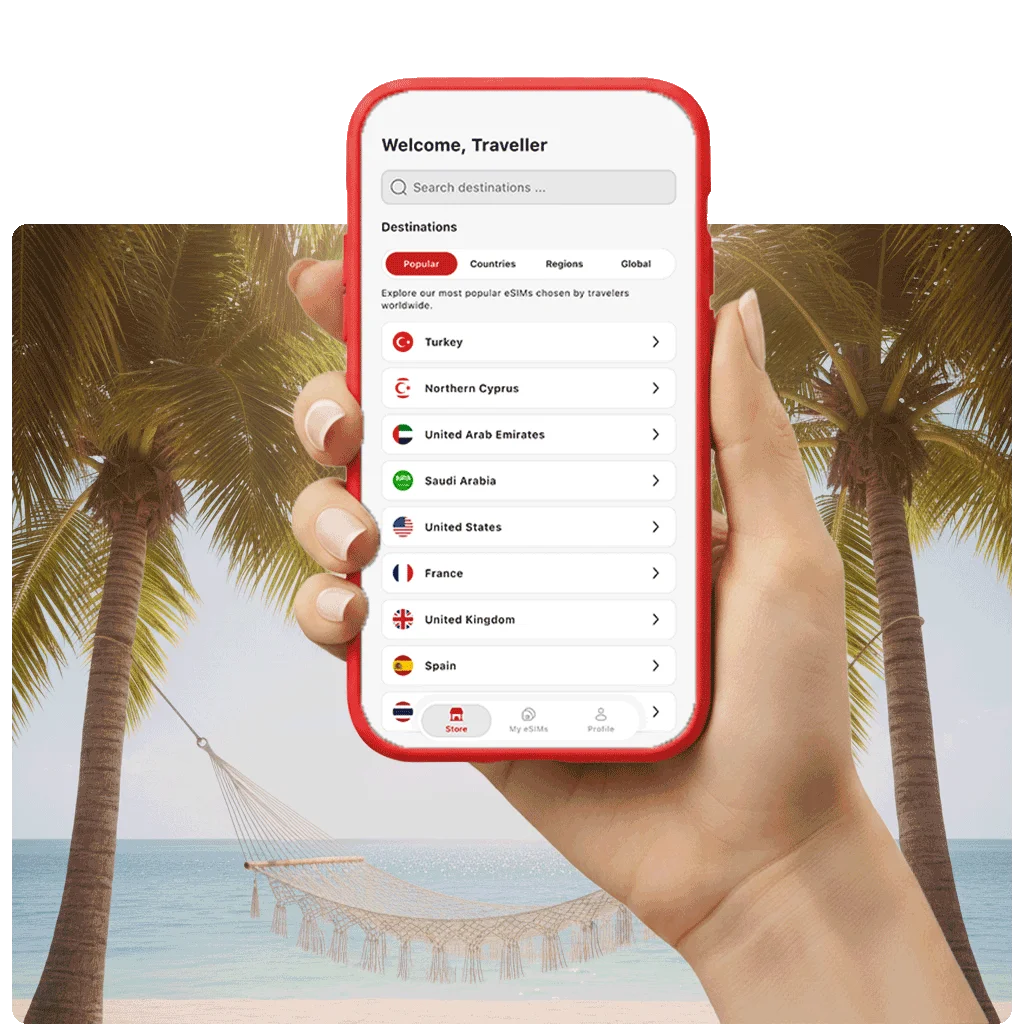
Install your eSIM instantly and track your usage directly in our app. You can download the app from the App Store for iOS or Google Play for Android or by scanning the QR code.

Frequently asked questions

Most questions can be answered using the list below.

Does the Dell Dell Latitude 5411 support eSIM?

The Dell Latitude 5411 is on our list of eSIM compatible devices. Whether your own unit has eSIM can still depend on the exact model version and the country it was sold in. Check the notes for Dell devices on this page and run the quick test in your settings before you buy a plan.

Where do I find the model number of my Dell Latitude 5411?

On an iPhone, open Settings > General > About and tap the model number once to see the full A number. On most Android phones, it sits under Settings > About phone. This number shows which regional version of the Dell Latitude 5411 you own, and that version decides whether your unit has eSIM.

Can I share the eSIM data from my Dell Latitude 5411 with other devices?

TurkSIM eSIMs support hotspot sharing. Turn on the hotspot on your Dell Latitude 5411, and your laptop or tablet can go online with the same data plan. Handy when the hotel Wi-Fi is slow or you need to work on the road.

Can I keep my SIM card when I use an eSIM on the Dell Latitude 5411?

On a dual SIM phone, both run side by side. Your physical SIM keeps your number reachable for calls and SMS, while the eSIM takes over mobile data abroad. In the settings of your Dell Latitude 5411, you choose which line handles data, so your home number stays active the whole time.

How do I install an eSIM on my Dell Latitude 5411?

After you buy a TurkSIM eSIM, we send you a QR code by email. Scan it in the settings of your Dell Latitude 5411, and the eSIM is ready to use within a few minutes. Our installation guide walks you through every step for iPhone and Android.

Will my Dell Latitude 5411 work with an eSIM abroad?

As long as it supports eSIM and is unlocked, your Dell Latitude 5411 can go online abroad with a TurkSIM eSIM. We cover more than 200 destinations worldwide. Heading to Turkey, for example? Then our Turkey eSIM is the plan for your trip.