HP Spectre Folio 13 eSIM compatible?

Check if your HP HP Spectre Folio 13 eSIM compatible. Ensure a smooth transition to digital SIM cards with our step-by-step guide.
HP Spectre Folio 13

Check eSIM Compatibility for HP HP Spectre Folio 13

Quickly check if your HP Spectre Folio 13 can use eSIM to enjoy its many benefits.
HP HP Spectre Folio 13 eSIM Compatibility
Seamlessly Compatible: Unlock the Power of eSIM with Your HP Spectre Folio 13
Your HP Spectre Folio 13 should support eSIM
Let's ensure it's not restricted to any specific carrier or network.
  • Open Windows Settings: Click the Start button and then select "Settings".
  • Navigate to Network & Internet: Within Settings, choose "Network & Internet".
  • Look for Cellular Option: Check if a "Cellular" option exists. If not, your device likely doesn't support eSIM.
  • Verify eSIM Presence (Optional): If a "Cellular" option is present, click on it. If you see an eSIM profile listed or the ability to add one, your device is unlocked for eSIM.
Please note, certain carriers may have policies preventing unlocking within the initial six months of use.

*For Windows 10: Your PC needs to have Windows 10 version 1703 or later for you to use an eSIM. The device also needs to be LTE-ready.

*Devices originating from China, Hong Kong, and Macao do not support eSIM functionality.

Travel the world. Stay connected in 200+ destinations.
With TurkSIM, you get flexible mobile data plans in over 200 countries – along with regional and global options, so you’re always online wherever your journey takes you.

More HP eSIM Compatibility Devices

Our eSIM cards also work with the following HP devices.
HP eSIM Compatibility Devices with Windows
If your HP device model is not in the list, it was not built to support eSIM.

TurkSIM reviews from travelers

What travelers say about TurkSIM.
trustpilot-star-rating
Jul 30, 2023

The service I received to get my eSIM was so effortless and although I may have entered the wrong email address at the time, the team was so quick to respond and was helpful throughout. They provided steps to activate the eSIM and ensured I was connected. Collecting sim cards with every destination is tiring, but I am so glad I chose to go with this company and it was also more affordable than purchasing an actual sim. I would happily recommend these guys any day! :)

Martha Warren
trustpilot-star-rating
Sep 24, 2024

Everything went smoothly and effortlessly - fair price and easy installation, as well as a reliable reception during our stay. I am satisfied!

Doermel Doerfler
trustpilot-star-rating
Aug 09, 2023

Fantastic service, not being much of a tech master, this team emailed me more than once to help me get online and the response was always quick and efficient.

Jonathan Shuker
trustpilot-star-rating
Sep 06, 2024

I had my doubts about using an eSIM, but after arriving in Japan and not finding a SIM shop, I decided to give it a go. The setup was incredibly straightforward, and I was impressed by the excellent 5G coverage and reasonable price. I’ll definitely choose TurkSIM again.

Melih Açıl
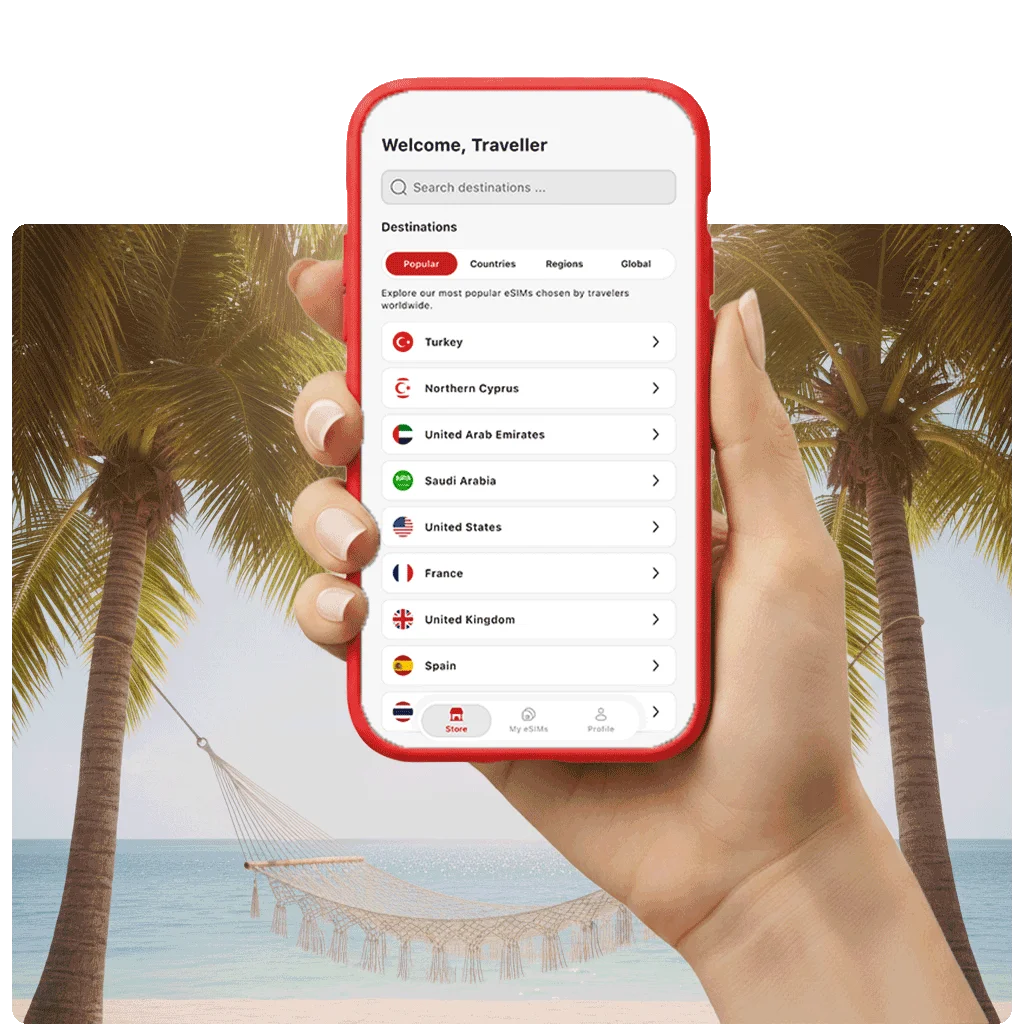
Download the TurkSIM eSIM app
Install your eSIM instantly, track your usage, and top up your plan anytime directly in our app. You can download the app from the App Store for iOS or Google Play for Android.